Flow
Keep your documents in the European storage managed by Flow, in compliance with the GDPR.
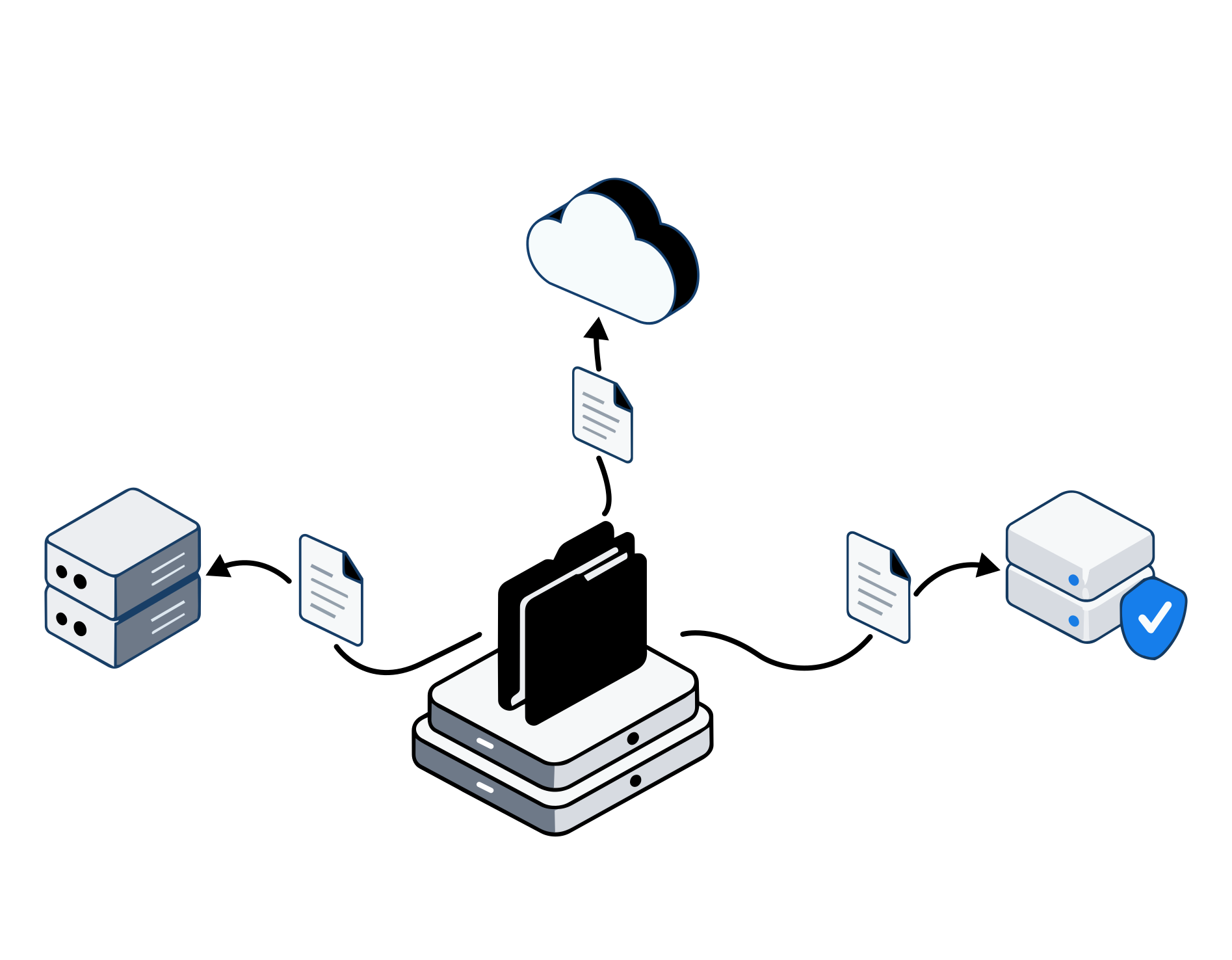
Discover the Flow cloudWith Flow on-premise, documents, storage and keys stay on your own infrastructure.
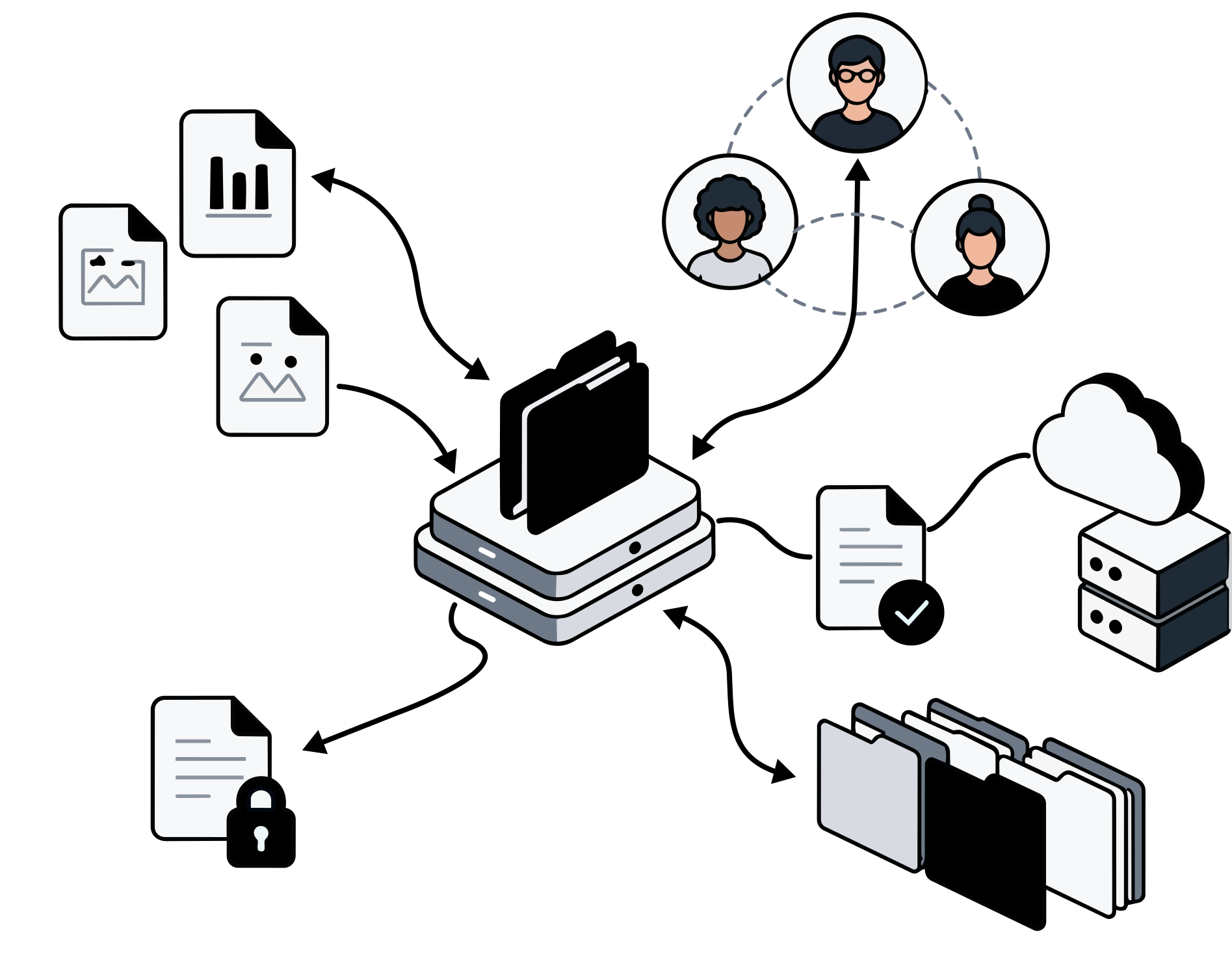
Discover Flow on-premiseYou organise documents in spaces and decide who sees what. Then you open them from Finder, File Explorer, the browser or your phone: folders and permissions are the same everywhere.
See how the file system worksTell KAi what should happen in your folders: it takes care of it, and asks you to confirm when needed.
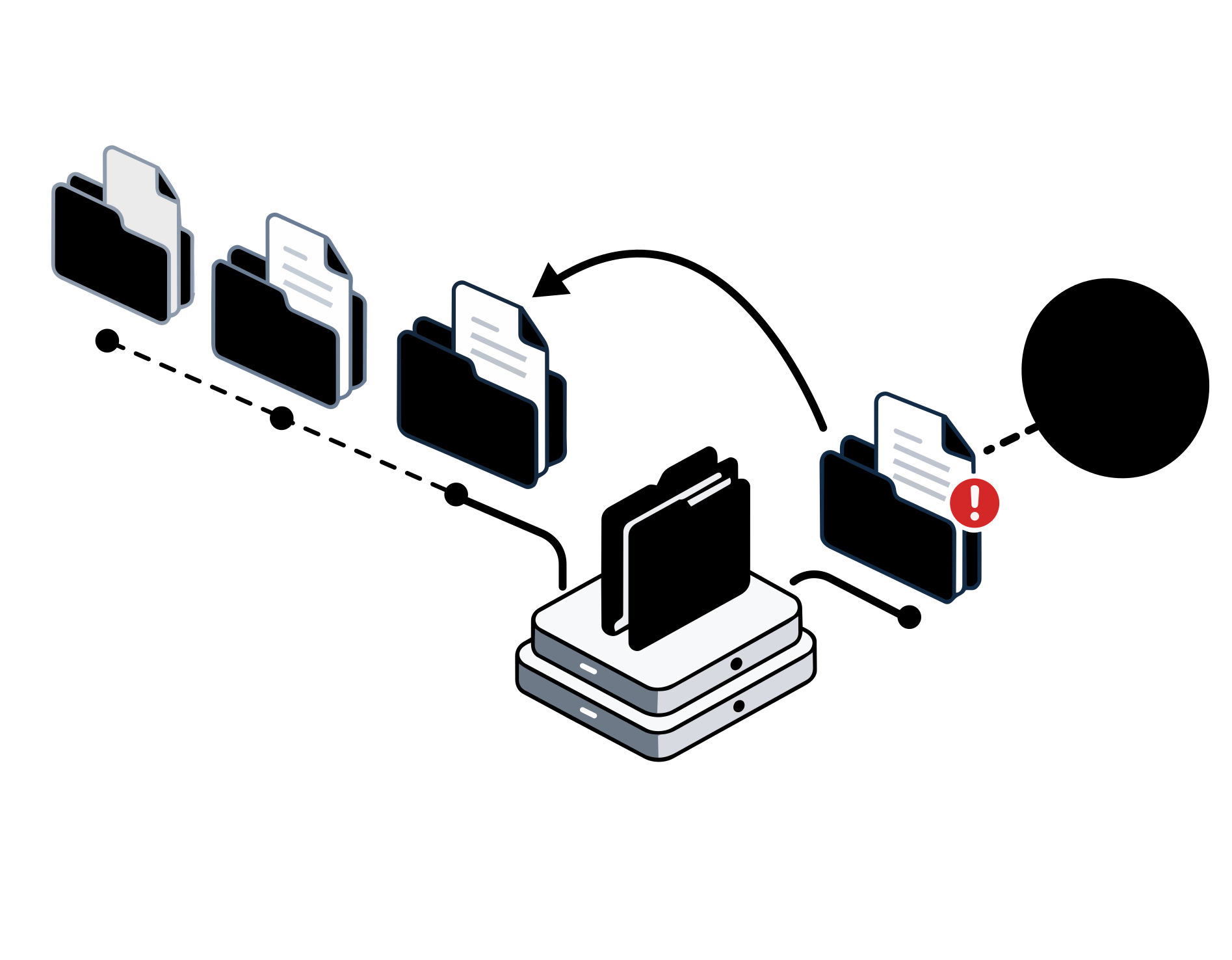
Overwritten a file or deleted a folder? Pick a moment in the history and recover what you need, even an entire space.
From the spreadsheets and photos you already have to a laid-out catalog: files stay where they are, and when the data changes the catalog realigns.
Talk with your team where information is created: every conversation stays tied to the work it is about.
Your calendar and your team's calendars in one place, with invitations, reminders and everything synced to your phone.
Every space comes with its own people, chat and calendar. Add someone and they get everything at once.
Decide what each person can do, for every team and every folder: just read, edit, or share too.
Your files appear in Finder and File Explorer and download only when you open them: you see everything and they take up no space. You choose what is always available on your computer.
Share documents with a protected link and collect approvals and comments on each file. Recipients can take part without creating an account.
Lock a file or folder for editing: colleagues see who is working on it and no one else can change it until you are done.
Manage Git repositories, tasks and pull requests in the same environment as your documents. Work with your own tools and review code and changes from the browser.
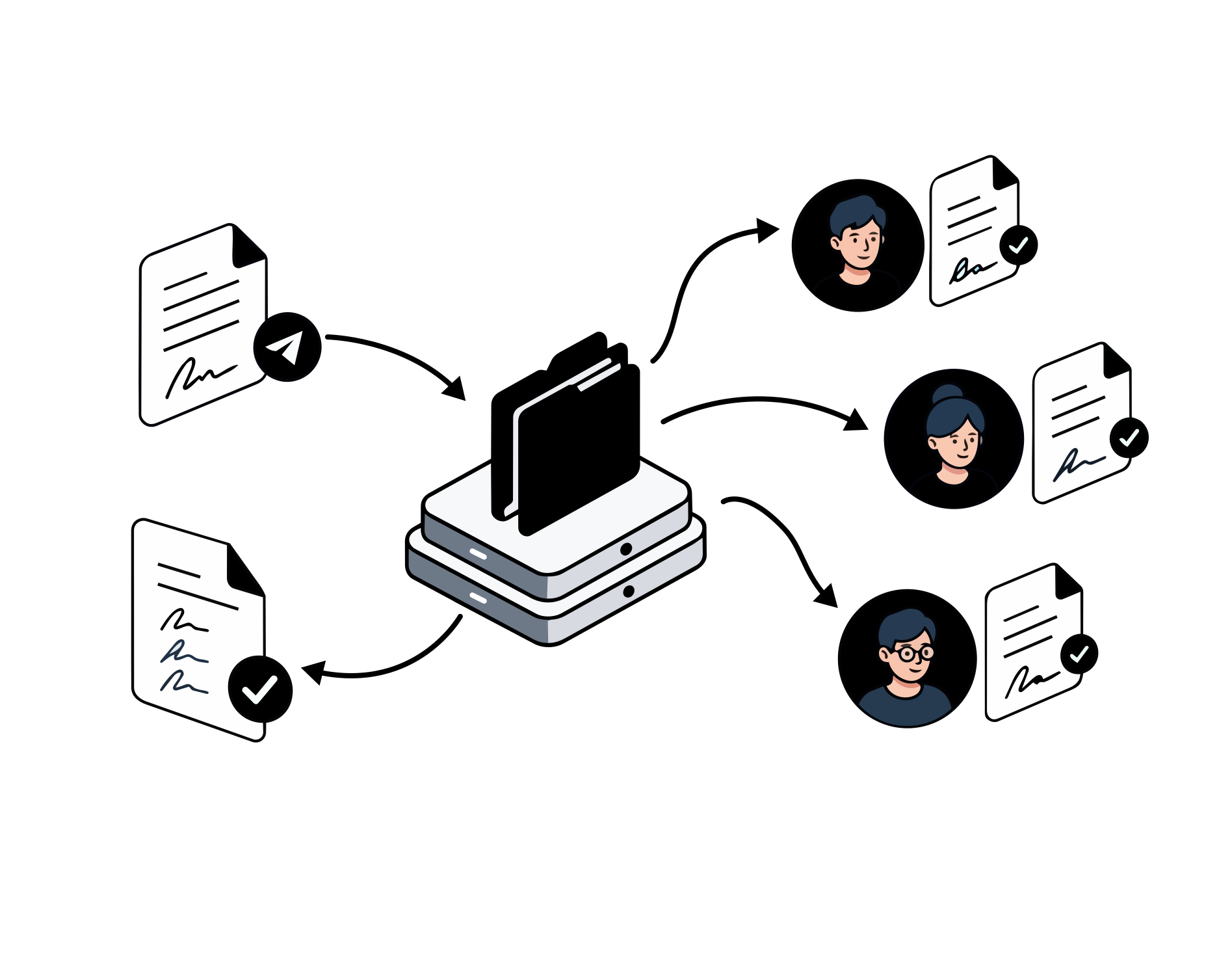
Send documents for signature: Flow guides each signer step by step and keeps the signed PDF with proof of every step.
Edit documents, spreadsheets and presentations directly in Flow, together with colleagues. Open a file, work in your browser and find your changes in your workspace.
Integrate documents into your business systems and automate repetitive tasks with Flow's APIs and tools.
Manage access and use Flow's malware checks to protect your team's work.
Connect the Ai tools you already use, like Claude or ChatGPT, to the folders you choose: they read documents directly in Flow, without copying them elsewhere, and your company decides what they can see.
Files with identical content are stored only once: the space you use is the real one, with no duplicate copies weighing on your quota.
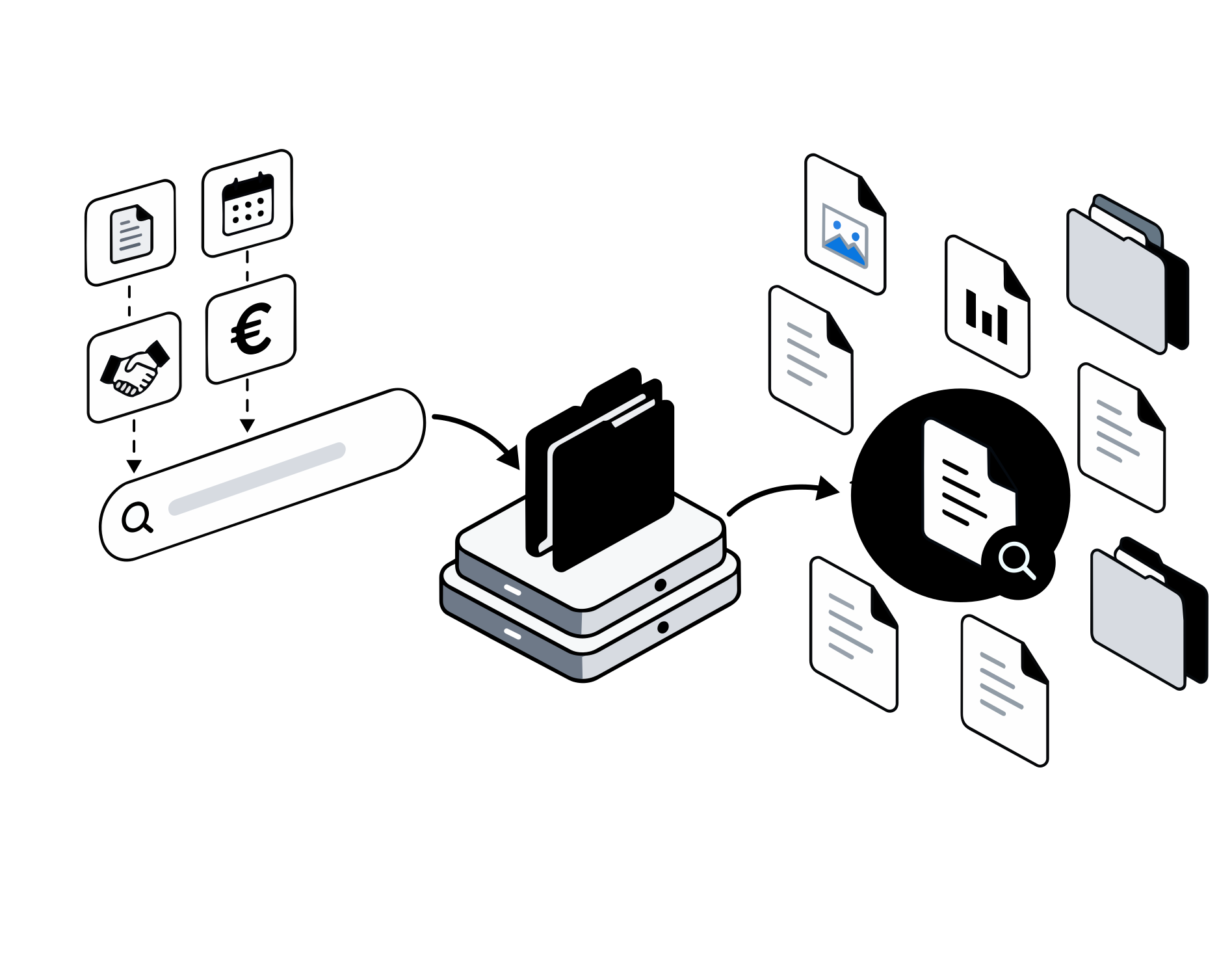
Describe the document you're looking for, even if you don't remember its name. Flow interprets your request and shows you the files it found, with links to open them.
Open documents, images, technical drawings and 3D models right in the browser: check what matters without downloading or installing other software.
Saved the wrong changes or deleted a folder? With the time machine you pick a moment in the history, check how the documents looked and recover what you need.
Multi-page PDFs, Office documents, images, audio and text: quick view shows them right in your browser, with zoom and arrow keys to flip through the whole folder.
Describe the document you're looking for, even if you don't remember its name. Flow interprets your request and shows you the files it found, with links to open them.
Your files right in Finder and File Explorer.
Built into Finder: see the status of every file and download it only when you open it.
Built into File Explorer: see the status of every file and download it only when you open it.
How do you manage documents today? Tell us what you'd like to simplify: together we'll find the Flow setup that fits your company.
Part of KAi Grid
With your KAi Grid account you access every application activated for your company, with a single login.
Discover KAi Grid